PUBLICIDAD
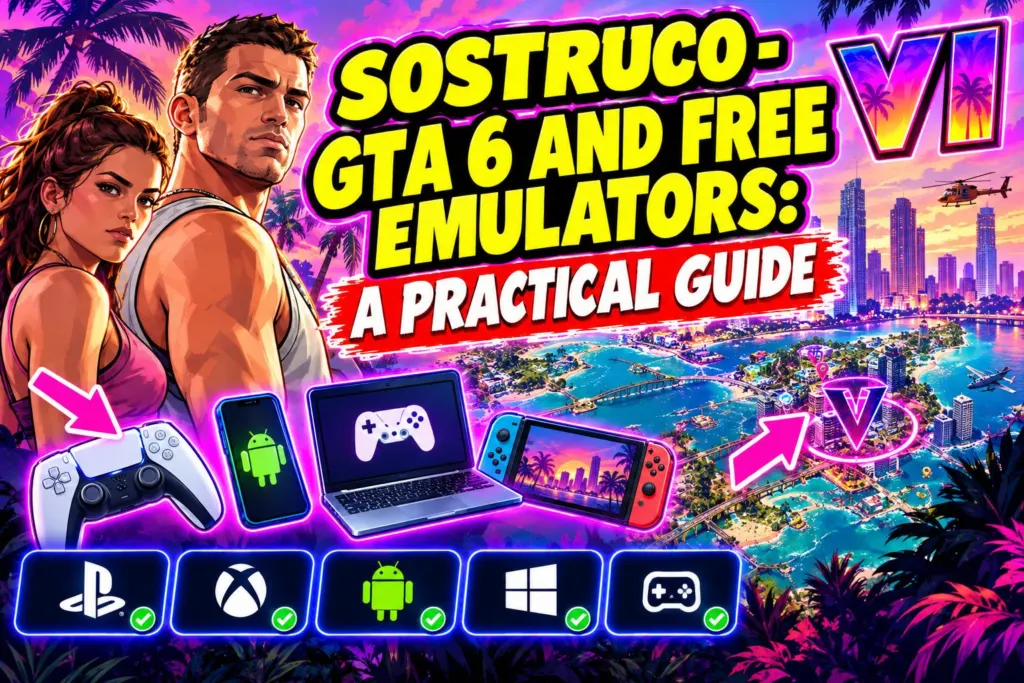
Grand Theft Auto VI is now listed by Rockstar as out now for PlayStation 5 and Xbox Series X|S, after the studio previously moved the launch to November 19, 2026. That matters because free emulators are useful for Android titles, but they are not a shortcut into GTA 6. If a site advertises a ‘GTA 6 APK’ or a launcher that promises access through a phone or PC emulator, the safest reading is that it is unofficial until Rockstar says otherwise.
What GTA 6 actually supports
Rockstar’s official GTA VI page lists only PlayStation 5 and Xbox Series X|S, and it currently labels the game as out now. By implication, a free Android emulator is not a legitimate way to run the game on a phone or to turn a modest PC into a GTA 6 machine. If the goal is the real game, the practical route is to use the supported hardware and ignore APK claims that do not come from Rockstar.
PUBLICIDAD
For anyone who wants to verify the platform list directly, the official GTA VI page is the safest place to check for changes, trailers, and platform notes. That is the page Rockstar itself uses to publish current information about the game.
The free emulators worth knowing
Google Play Games on PC is the cleanest official option when the game you want exists in its catalog. Google says it is free to use, available on Windows desktop and laptop, and requires Windows 10 v2004, 10 GB of SSD storage, 8 GB of RAM, a 4-core CPU, an admin account, and hardware virtualization. Google also warns that some games may be untested, unsupported, or unavailable on a given PC, so checking the compatibility badge before installing saves time.
BlueStacks Desktop is another option for Android apps on Windows. Its support pages describe it as a full Android desktop environment for Windows, with Android 16, 8 GB of RAM minimum, and 12 GB recommended, and BlueStacks says the product is available for free to download when obtained from the official site. That makes it a solid general-purpose emulator for mobile games, but not a path to a console-only release.
LDPlayer is also positioned as a free Android emulator. The company says it is free to download and use, recommends the official website as the safest source, and highlights Android 9 support in LDPlayer 9 plus flexible settings for CPU, RAM, resolution, device model, root mode, and shortcuts. For users who want more control over performance tuning, that flexibility can be useful.
Free emulator comparison
| Option | Official status | Main requirements or notes | Best use |
|---|---|---|---|
| GTA 6 | Rockstar lists PS5 and Xbox Series X|S | Out now on supported console platforms | Use supported hardware only. |
| Google Play Games on PC | Free to use | Windows 10 v2004, 10 GB SSD, 8 GB RAM, 4 cores, virtualization | Android games from Google’s catalog. |
| BlueStacks Desktop | Free to download | Windows, Android 16, 8 GB RAM minimum, 12 GB recommended | General Android gaming on PC. |
| LDPlayer | Free to download and use | Official site recommended; LDPlayer 9 focuses on Android 9 games | Good for users who want deeper tuning options. |
How to set up safely
PUBLICIDAD
The setup matters as much as the software. Free emulators are most useful when they are installed from the official source and configured with enough hardware headroom. The cleanest way to avoid mistakes is to treat the emulator like any other PC app: verify the download, verify the compatibility list, and only then install games.
- Download from official sites only. BlueStacks says its trusted source is the official website, and LDPlayer says the safest way to get started is through its official site.
- Enable virtualization before installation. Google says Windows virtualization may need to be turned on, and BlueStacks recommends virtualization for better performance.
- Check the compatibility status first. Google badges games as Optimized, Playable, Untested, Unsupported, or Not available, which helps avoid installing something that will not run well.
- Keep enough storage and RAM free. Google lists 10 GB of SSD storage and 8 GB of RAM as minimums for Google Play Games on PC, while BlueStacks Desktop asks for at least 8 GB of RAM.
- Ignore GTA 6 APK claims. Rockstar’s official pages list GTA VI for PS5 and Xbox Series X|S, so emulator-based Android installs are not a real substitute for the game.
If Hyper-V is already enabled on the machine, Google notes that it can interfere with other emulators, so the order of installation matters. That kind of detail does not sound glamorous, but it is often the difference between a stable setup and a broken one.
The practical takeaway
If the target is GTA 6, the answer is simple: use the platforms Rockstar actually supports. If the target is Android gaming on a Windows PC, Google Play Games on PC is the most official route, BlueStacks gives a full Android desktop environment, and LDPlayer offers more tuning control. That split keeps expectations realistic and saves time that would otherwise be lost to fake ports, sketchy APKs, or incompatible installs.
PUBLICIDAD